Run a Golf Tournament Without the Spreadsheet Chaos

One Event, One Tournament, Zero Headaches
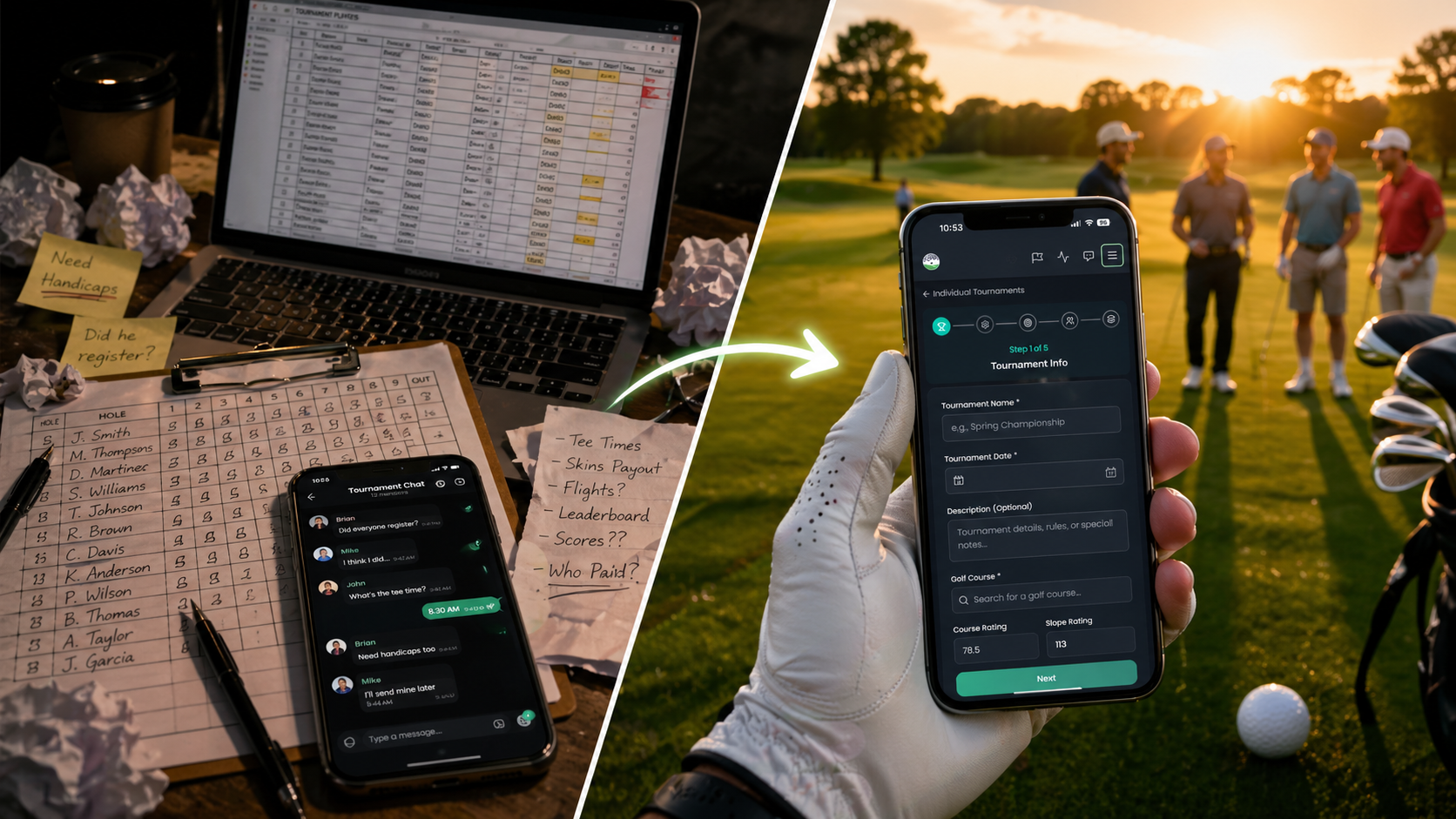
If you've ever tried to run a tournament out of a group chat, you already know the pain. Someone signs up but forgets to send their handicap. Another guy "thinks" he registered. You're maintaining a spreadsheet, a text thread, and a leaderboard, and you haven't even teed off yet. Welcome to Tournament Events — our newest feature in Buddies on the Green that wraps event registration and full tournament management into one beautifully connected experience.
One event. One tournament. Players tap to register. The leaderboard practically builds itself. That's the whole pitch.
What Is a Tournament Event?
A Tournament Event is exactly what it sounds like — an event on the Events page with a real, fully-featured tournament attached to it. Players see the event, register with one tap, and the system automatically slots them into the tournament. No double entry. No "did you add me?" Slack messages. No 19th-hole math.
The two halves stay in sync the entire time:
- Register for the event → you're added to the tournament instantly.
- Withdraw from the tournament → your event registration updates automatically.
- Upload a cover image to the event → boom, it becomes your tournament banner too.
It's the discoverability of an Event married to the game-management muscle of a Tournament. And honestly? It just works.
Four Formats, All Ready to Roll
Tournament Events currently support four of our most popular formats:
- Scramble — The classic team format. All players hit, best ball gets selected. Includes Standard, Texas, Florida, and Vegas variants.
- Best Ball — Each player plays their own ball; the best individual score(s) per hole count for the team. From One Best Ball all the way up to Three Best Balls and Cha-Cha-Cha.
- Shamble — Best drive, then everyone plays their own ball in. A crowd favorite for member-guests.
- Individual — Stroke Play or Stableford, 1–4 rounds, with optional flights and Skins side games.
Skills contests like Long Drive and Closest to the Pin are baked right in for the team formats. And for those of us who like to keep the round moving, there's a Max Score Per Hole setting (None / Double Par / Triple Bogey / Fixed 10) on the Best Ball and Shamble formats. Pace of play matters!
For Organizers: Set It Up in About Two Minutes
Setting up a Tournament Event is dead simple:
- Head to Events → Create Event.
- Pick your Event Format — Scramble Tournament, Best Ball Tournament, Shamble Tournament, or Individual Tournament.
- Fill in the details — name, date, description, location.
- Select your course. Course rating, slope, and tees auto-load straight from our Golf API. (Yes, really.)
- Configure the format-specific settings.
- Drop in a cover image (it doubles as your tournament banner).
- Hit publish.
That's it. The tournament is created automatically and linked to the event. You'll get a "Manage Tournament" button on the event page to jump into the admin surface, and a "Linked Event" card on the tournament Overview tab to bounce back the other way. Two surfaces, one source of truth.
Wait — How Do I Register Myself?
One quick heads-up: when you create the event, you become the organizer, not automatically a player. (We figured some of you might be running tournaments you're not playing in.) Easiest fix:
- Open the tournament page → Players tab → tap Add Me as Player. Done. Your handicap is pulled in automatically.
For Players: Tap, Register, Show Up
If you're a player, the experience is even simpler. Open the event (from the Events list, a shared link, or a QR code), find the Tournament Status card on the right, and tap Register as Individual. For team formats, you can also tap Register as Team — name your squad, add teammates by buddy search or as guests, and submit.
You'll see a green confirmation card showing you're in, your team (if applicable), and a direct link to the tournament. No email confirmations to dig out of your inbox. No PDF spreadsheets. Just "You're registered. See you Saturday."
Need to back out? Open the tournament page → Overview tab → hit the red Withdraw button on your registration card. You're out, your event registration updates, and you can re-register any time before the tournament starts.
Smart Behavior Behind the Scenes
Some of the small things that make this feature feel right:
- Team registrations create teams instantly — when a captain registers a team, that team shows up in the tournament right away.
- Solo registrants land in an "Unassigned Players" pool for team formats, so organizers can build out balanced teams from the tournament admin.
- Auto-sync — for Individual tournaments, the first time the organizer loads the tournament page, the system catches up any registrations that came in before the feature was active. No data lost, no manual cleanup.
- QR-code friendly — print a QR code that points to the event, slap it on a flyer in the pro shop, and watch the registrations roll in.
Why This Matters
Tournament organizing has always been a chore. You're juggling rosters, formats, tee times, side games, scorecards, and a leaderboard — usually across three different apps and a notebook. We built Tournament Events because we believe the tournament organizer deserves to actually play in their own tournament, not babysit a spreadsheet.
One event. One tournament. One link to share. And no more math at the 19th hole.
Try It This Weekend
Whether you're running a casual member-guest, organizing a charity scramble, or putting together a season-long Individual Stroke Play series, Tournament Events makes the setup painless and the experience polished. Your players get a clean registration flow, you get a real tournament admin surface, and everyone gets a live leaderboard without anyone having to text the score in.
Open the app, head to Events → Create Event, and pick a tournament format. Build your event in two minutes, share the link, and let Buddies on the Green handle the rest.
Game on. ⛳